Please come to the Hangang Park delivery zone.
한강공원 배달존으로 와 주세요.Hangang-gongwon baedaljon-euro wa juseyo.A REAL SEOUL PICNIC, WITHOUT THE GUESSWORK
Chicken by
the Han River
Find a real delivery pickup zone, send its Korean name to the rider, and enjoy dinner by the water. Your picnic blanket is not the delivery address.
Location is used only in this browser to find the nearest zone. It is not stored or sent to us.

Delivery motorcycles cannot enter the park. Set the order address to one of Seoul’s 17 official delivery zones, meet the rider there, then carry the food back to your spot.
YEOUIDO · A FIRST-TIME DELIVERY PICNIC
Make the picnic happen.
One practical route: Yeouinaru Station → Zone 1 → your confirmed chicken order → a riverside picnic. Follow the ten picture steps below on your phone.
10 PICTURE STEPS
From “let’s order” to the first bite.
These ten images are AI scenario illustrations, not field photographs or real app screens. They show the actions; official maps and on-site signs establish the location.
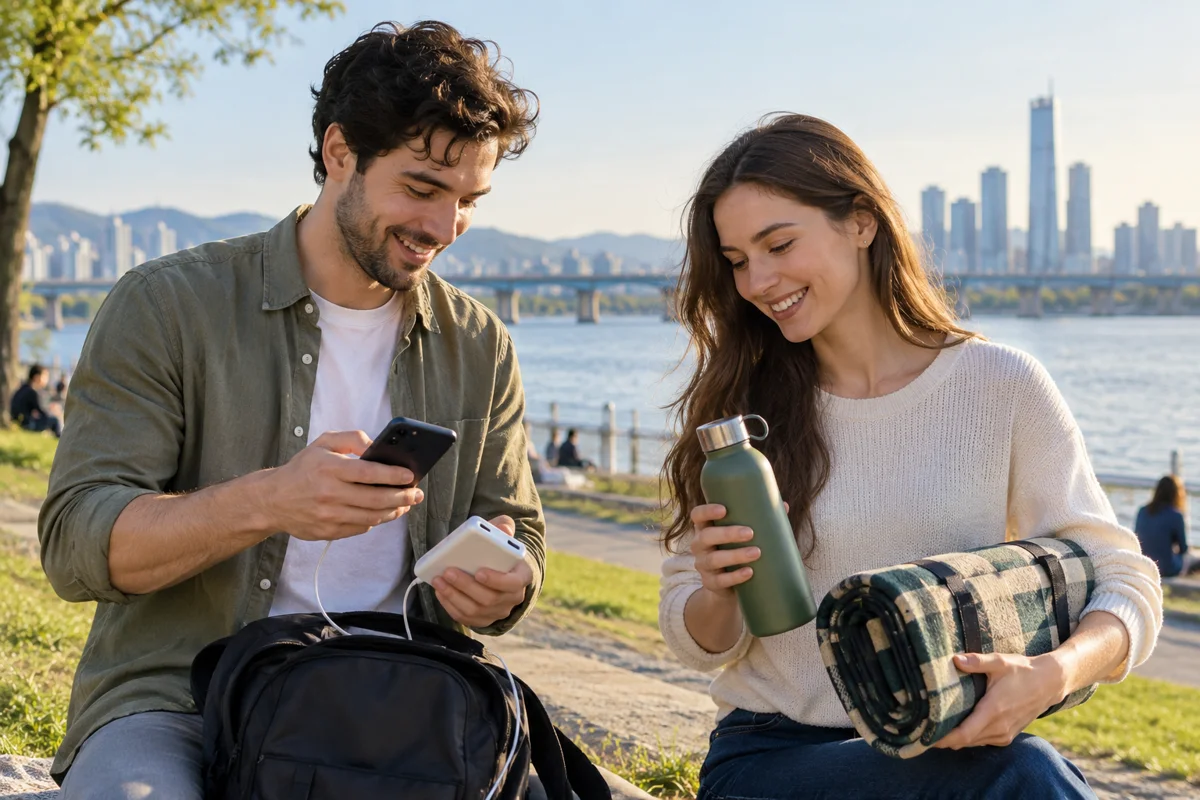
01 · AI scenario illustration 01 / 10Pack for a delivery picnic
Bring mobile data, a charged phone, a power bank, a mat, water, wet wipes and rubbish bags. Open the official park notice before leaving: heavy rain, flooding or an event can change access. Allow about two hours for the whole outing; this is a planning suggestion, not a delivery promise.
Ready when: your phone can load maps and messages outdoors.

02 · AI scenario illustration 02 / 10Arrive at Yeouinaru, Exit 3
Take Seoul Subway Line 5 to Yeouinaru Station (여의나루역), not Yeouido Station. Exit 3 is the starting point for this example. Use the live route planner from where you are; save the return journey and check the last train for your destination.
Next: find Zone 1 before ordering any food.
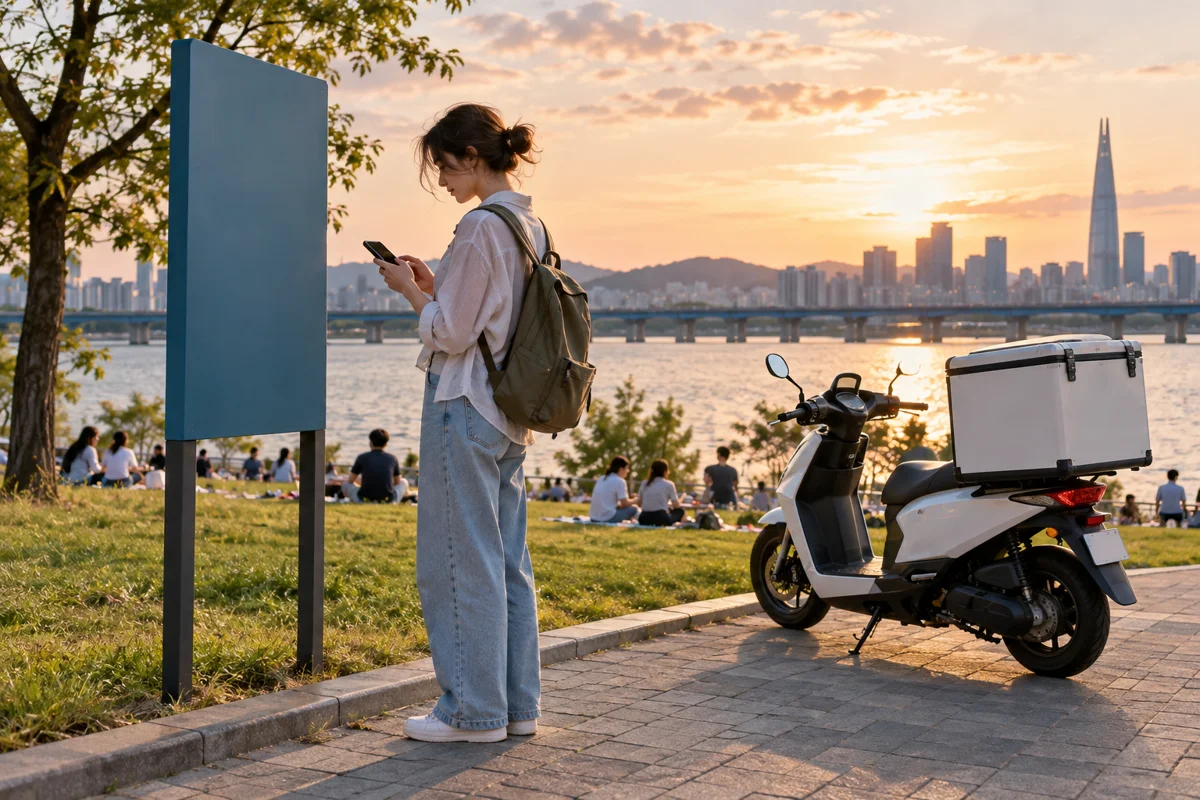
03 · AI scenario illustration 03 / 10Find the actual Zone 1 sign
Seoul lists Yeouido Delivery Zone 1 in front of the Yeouido underpass by Yeouinaru Exit 3, downstream of the south end of Wonhyo Bridge. Open the official facility map, then match the physical sign. The delivery zone is a pickup point; motorcycles cannot come to your mat on the lawn.
Ready when: you can name the zone and stand at its sign.
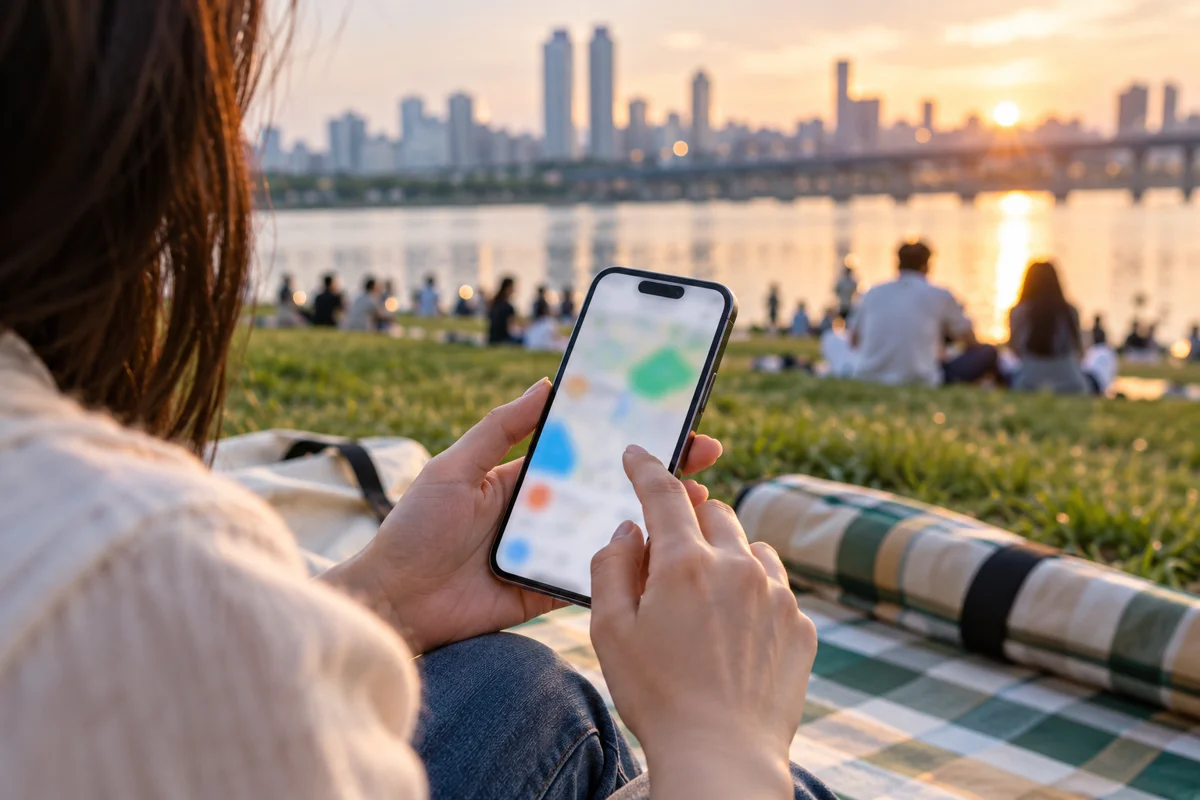
04 · AI scenario illustration 04 / 10Check delivery coverage at this exact point
Open Shuttle and choose your preferred interface language. Enter “여의도한강공원 배달존1”; the tourism board also gives “85 Yeouido-dong, Yeongdeungpo-gu, Seoul” for this zone. Match the address and map pin to the sign you found, then add the zone name in the delivery instructions. If the app cannot resolve the point or shows no restaurants, ask its live chat before paying.
Continue only when: a restaurant delivers to your confirmed pickup point.
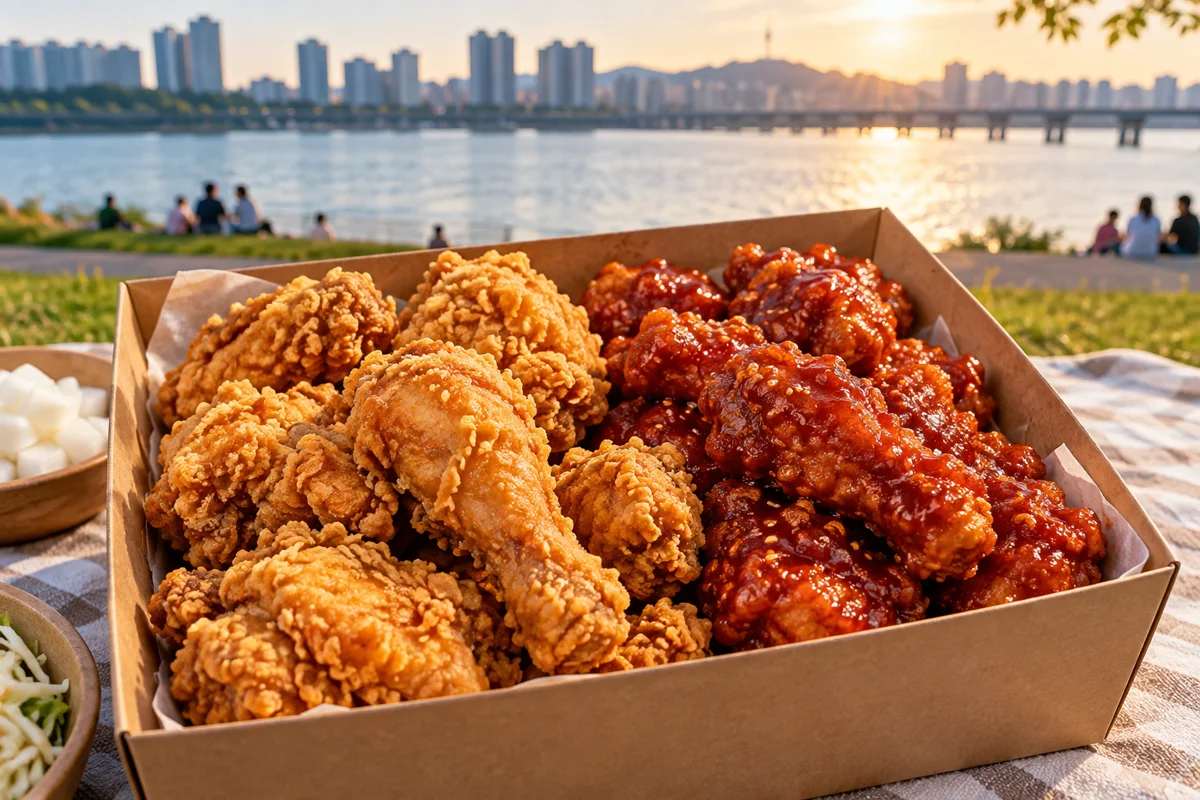
05 · AI scenario illustration 05 / 10Choose the chicken you actually want
For a first order, compare plain fried chicken (후라이드), sweet-spicy sauce (양념), or a half-and-half option (반반) if listed. Boneless is 순살; check the restaurant’s portion description, not a fixed “serves two” rule. Ask about spice and allergens before paying. A menu photo does not establish halal status or allergy safety.
Check the basket: chicken, drinks, utensils and any paid extras.
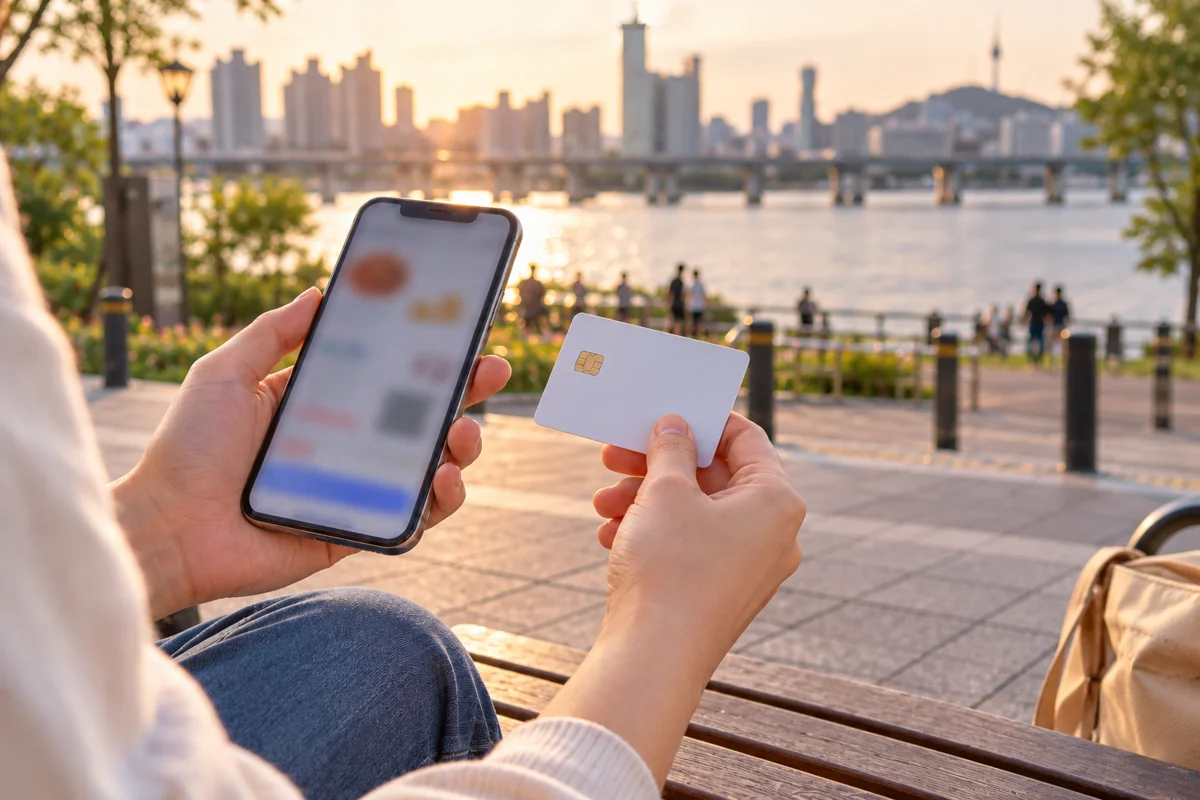
06 · AI scenario illustration 06 / 10Review the total, then pay once
Check the food price, delivery fee, minimum order and any other charges shown. Shuttle advertises major credit cards and PayPal; use only the methods offered on your checkout screen. Before paying, confirm how support or the rider can contact you if you have no Korean number. Save the order confirmation and order number. If a payment stalls, check order history or ask support before trying again.
Ready when: the order is confirmed, not just when the card was charged.
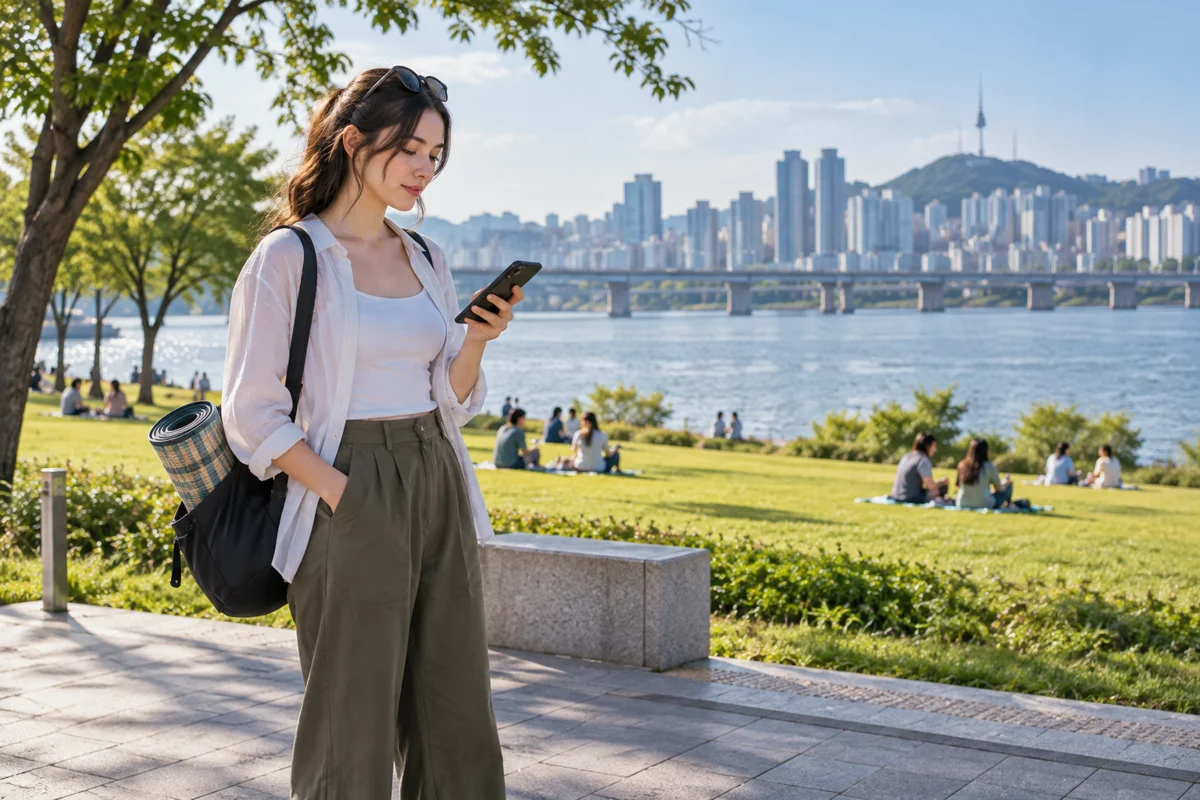
07 · AI scenario illustration 07 / 10Stay reachable while dinner is on its way
Keep mobile data and notifications on. Shuttle’s FAQ gives roughly 40–60 minutes under normal conditions in its minimum delivery area; your confirmed order estimate matters more and rain or busy periods can take longer. Stay near the pickup zone and use Shuttle live chat if you cannot contact the rider. Return to the sign before the arrival estimate.
If delayed: keep the same order and contact support before reordering.
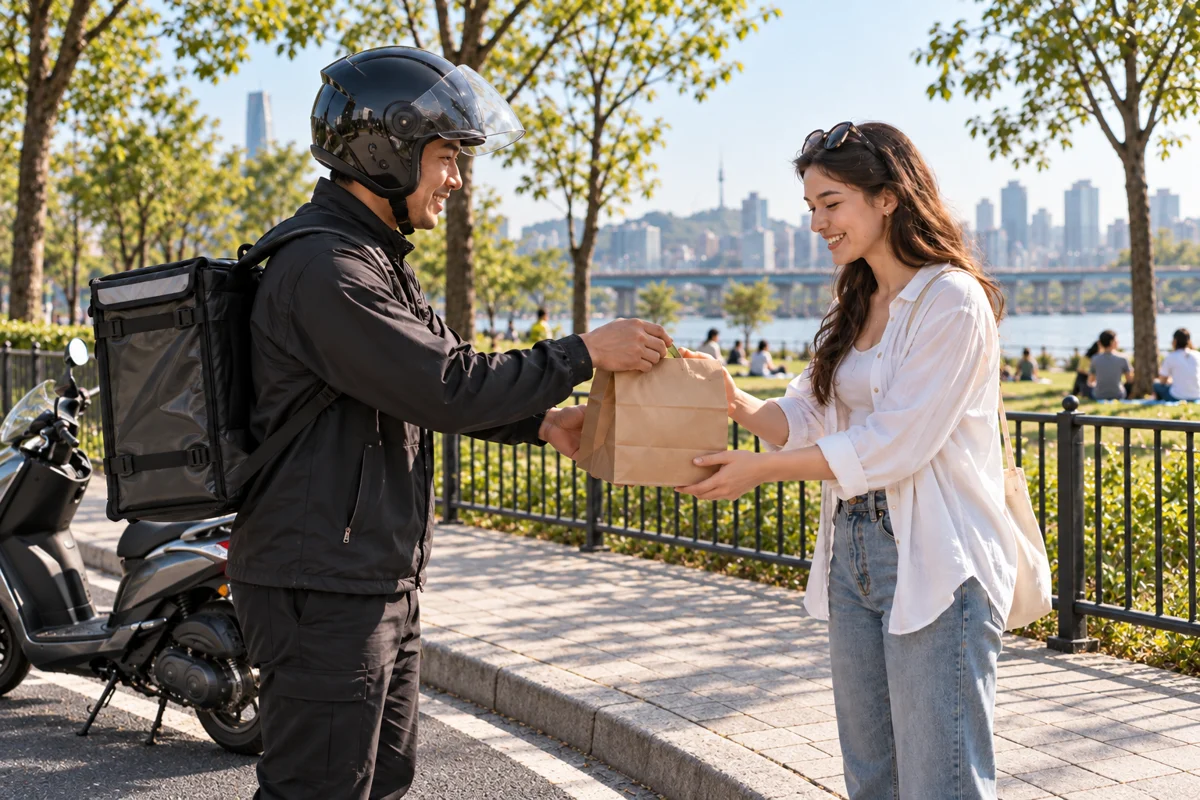
08 · AI scenario illustration 08 / 10Meet the courier and match the order
Show your order number or confirmation screen. Match the restaurant and bag label, and check drinks or extra bags before the courier leaves. Collect on the paved pickup side without blocking the cycle lane. If the label is wrong or an item is missing, keep the receipt and contact the app’s support.
Next: leave the pickup area clear and carry dinner to your picnic spot.

09 · AI scenario illustration 09 / 10Open the box beside the river
Choose an open, permitted picnic area nearby, away from bike traffic and the water’s edge. Spread your mat, clean your hands and open the chicken while it is fresh. Share the sauces and enjoy the river view. If wind, rain or cold makes sitting outside unpleasant, switch to a nearby indoor meal rather than forcing the picnic.
After eating: a short riverside walk, with the last train already checked.

10 · AI scenario illustration 10 / 10Pack every leftover and leave it clean
Seal chicken bones and food waste separately from empty containers. Follow the labels at designated disposal points; if there is no suitable bin, take the bags with you. Fold your mat, check for wrappers and collect your phone and power bank. Return by your saved route.
Done: dinner delivered, riverside enjoyed, no rubbish left behind.
KEEP THIS OPEN AT THE PARK
A message to find each other.
저는 여의도한강공원 배달존1 표지판 앞에 있어요. 도착하시면 앱 메시지로 알려 주세요.
I am in front of the Yeouido Hangang Park Delivery Zone 1 sign. Please message me in the app when you arrive.
Use the order’s contact option. If direct rider messaging is unavailable, ask Shuttle live chat to relay the location. Do not rely on an unsupported phone number.
When the real-world plan changes
No restaurants or no matching address
Do not move the delivery pin to a random park entrance. Ask support to confirm the exact zone. If delivery is unavailable, search nearby chicken shops in Naver Map and ask about takeaway; confirm opening hours and price with the shop.
NAVER Map · English ↗KakaoMap · English ↗Google Maps ↗Payment failed or the order is late
Check order history first. Contact the provider’s support with the order number; confirm cancellation or refund status before placing another order. This site cannot refund, cancel or dispatch food.
Shuttle support informationRain, flood restriction or a crowded event
Follow park notices and barriers. Confirm any zone change with support before ordering. If access is closed, choose an indoor meal; never enter a restricted river path to collect food.
Check the park noticeWhat this route is based on
Checked 2 October 2026. Seoul’s delivery-zone notice supplies the location and park rules. Korea Tourism Organization describes ordering at Yeouido Zone 1 and using foreign cards. Shuttle’s own FAQ supplies fees, support and delivery-time guidance. Restaurant coverage, prices and order estimates must be checked in the app on the day.
LIVE LOCATION TOOL
Find your pickup zone.
Blue shows you. Numbered markers are official pickup zones. Coordinates guide you to the area; use the Korean zone name and confirm the on-site sign before ordering.
TAP TO COPY
Korean that gets dinner to you.
I am in front of the delivery-zone sign.
저는 배달존 표지판 앞에 있어요.Jeoneun baedaljon pyojipan ape isseoyo.I am at Yeouido Hangang Park Delivery Zone 2.
여의도 한강공원 배달존 2번이에요.Yeouido Hangang-gongwon baedaljon ibeon-ieyo.Please message me in the app when you arrive.
도착하시면 앱으로 메시지 주세요.Dochakhashimyeon aebeuro mesiji juseyo.I do not have a Korean phone number. Please contact me by app message.
한국 전화번호가 없어요. 앱 메시지로 연락해 주세요.Hanguk jeonhwabeonhoga eopseoyo. Aep mesijiro yeollakhae juseyo.My order number is ___.
주문번호는 ___입니다.Jumun beonhoneun ___ imnida.PAYMENT, WITHOUT THE CARD CONFUSION
Five tools. Five different jobs.
A transport card does not automatically pay for food delivery.
Climate Card
A Seoul public-transport pass. For visitors, the practical option is a physical 1-, 2-, 3-, 5- or 7-day pass for covered services—not a general restaurant credit card.
Good for:Repeated Seoul subway/bus rides during the validity period. Seoul says physical short-term passes can be bought with international cards at supported machines.
Check the service area first. The old prepaid 30-day product stopped recharging on 31 August 2026; the replacement Climate Pass is for eligible Seoul residents.WOWPASS
A foreign-tourist prepaid card: load or exchange supported foreign currency, then pay at many Korean merchants like a local prepaid card. Its separate transport function must be topped up and managed separately.
Good for:In-person purchases when a foreign card is inconvenient.
Do not assume a delivery app accepts it online; check the app’s checkout screen.CHECK iN SEOUL
A Lotte Card prepaid card and app for foreign visitors. It combines pay-as-you-go transport with prepaid merchant payment; it is not an unlimited subway pass.
Good for:Visitors who want one physical card for local transport and supported in-person purchases.
Apply in the app and check current airport or city pickup points. Online delivery-app acceptance is not guaranteed.Shuttle
English/Korean ordering with major credit cards and PayPal according to its official guide. Restaurant and delivery coverage appears after you set the zone address.
Good for:Visitors who want an English-first order flow.
Coverage is address-dependent, including at Hangang parks.Baemin
A major Korean delivery app with multilingual support. Foreign-card options have expanded, including foreign-issued cards through supported Apple Pay flows.
Good for:Broader restaurant choice when checkout works for your card.
Availability, identity checks and issuer approval can vary.Simple choice
Getting to the park? Climate Card or another transit card. Want prepaid payment plus pay-as-you-go transit? Compare CHECK iN SEOUL with WOWPASS. Ordering chicken? Use the payment method actually offered by the delivery app.
Free Wi-Fi helps with maps and messages, but mobile data is more dependable while a train or bus is moving.
Read the official sign first
At a subway station, airport or public facility, compare the network name with the SSID printed on an official sign or screen. Do not choose a look-alike network simply because it says “Free WiFi.”
Open Wi-Fi settings
On iPhone: Settings → Wi-Fi. On Android: Settings → Connections or Network & internet → Wi-Fi. Select the confirmed network.
Finish the sign-in page
If a welcome page opens, choose English, accept the terms and tap Connect. If nothing appears, open a browser and visit a new non-sensitive website to trigger the portal.
Reconnect only when stopped
Station Wi-Fi may disconnect as the train leaves. Do not keep changing networks while walking on stairs or platforms; stop in a safe place and use cellular data for live navigation.
Use the network shown inside that station.
Connect on the concourse before entering a complicated transfer. Take a screenshot of the route, line colour, exit number and final Korean place name.
On-board Wi-Fi and carrier Wi-Fi may require a Korean mobile subscription or SIM authentication.Confirm the terminal’s official free network.
Use the SSID displayed on airport signs. If the portal fails, forget the network, reconnect, or ask an information desk before entering any personal details.
Download your route and accommodation address before leaving arrivals.Do not depend on full lawn coverage.
Public Wi-Fi may be strongest near facilities. Save the delivery-zone card and Korean phrase while you still have a stable connection.
A local SIM/eSIM or roaming data is the safer backup for rider messages.Ask for the exact name and password.
Please tell me the Wi-Fi name and password.
와이파이 이름과 비밀번호를 알려 주세요.Wai-pai ireumgwa bimilbeonhoreul allyeo juseyo.Before paying for delivery
Avoid typing card details on an unknown open network. Prefer mobile data or a trusted network, use the official delivery app, check for HTTPS, never install a certificate or profile from a pop-up, and turn off auto-join when finished.
MAKE AN EVENING OF IT
What to do after the food arrives.
Convenience-store ramyeon
Buy a bowl and use the shop’s cooking machine where provided. Follow the machine’s posted steps; do not carry boiling water across a crowded lawn.
Sunset photo walk
Walk first, eat second: choose a river edge, bridge view or skyline before the path gets dark and busy.
Cycle a short loop
Stay in the bicycle lane, test the brakes, and return the bike before the operator closes. Pedestrian and cycle paths are different.
Seasonal fountains & events
Banpo, Yeouido and Ttukseom have seasonal attractions, but weather and maintenance change schedules. Check the official Hangang site that day.
Picnic like a local
Bring a mat, wet wipes, power bank and two rubbish bags—one for containers and one for food waste.
Leave before the last train
Save the station pin, route and last-service time before sunset. River paths can feel much longer after dark.
OFFICIAL ZONE DIRECTORY
All 17 pickup points.
These names follow the Seoul Hangang Park notice. Temporary zones may change; confirm the official notice and the physical sign.
Gwangnaru Delivery Zone
광나루한강공원 배달존광나루 1호매점 앞
In front of Convenience Store No. 1
Jamsil Delivery Zone
잠실한강공원 배달존잠실나들목 입구
Entrance to Jamsil underpass
Ttukseom Zone 1 · upstream
뚝섬한강공원 배달존1뚝섬안내센터 제2주차장 앞
Information centre / Parking Lot 2
Ttukseom Zone 2 · downstream
뚝섬한강공원 배달존2뚝섬 제3주차장 뚝섬유원지역 부근
Near Parking Lot 3 and Line 7 station
Ttukseom temporary zone
뚝섬한강공원 임시배달존뚝섬 제4주차장 내
Inside Parking Lot 4
Jamwon Delivery Zone
잠원한강공원 배달존잠원나들목 입구
Entrance to Jamwon underpass
Banpo Zone 1 · Moonlight Square
반포한강공원 배달존1반포대교 하부 달빛광장
Moonlight Square below Banpo Bridge
Banpo Zone 2 · Parking Lot 2
반포한강공원 배달존2반포 제2주차장
Inside Parking Lot 2
Ichon Delivery Zone
이촌한강공원 배달존이촌 제2주차장
Inside Parking Lot 2
Yeouido Zone 1 · Exit 3
여의도한강공원 배달존1여의나루역 3번 출구 여의도나들목 앞
By Yeouinaru Station Exit 3
Yeouido Zone 2 · Exit 2
여의도한강공원 배달존2여의나루역 2번 출구 여의도2호매점 앞
By Yeouinaru Station Exit 2
Yeouido Zone 3 · Mulbit Square
여의도한강공원 배달존3물빛광장 옆 여의도3호매점 앞 계단 위
Top of the stairs beside Mulbit Square
Yeouido temporary zone
여의도한강공원 임시배달존서강대교 남단 공영주차장
Seogang Bridge south-end public parking
Yanghwa Delivery Zone
양화한강공원 배달존양화 제2주차장 인근
Near Parking Lot 2
Nanji Delivery Zone
난지한강공원 배달존난지 제2주차장 인근
Near Parking Lot 2
Mangwon Delivery Zone
망원한강공원 배달존망원나들목 입구 앞
In front of Mangwon underpass entrance
Gangseo Delivery Zone
강서한강공원 배달존강서 1호매점 맞은편
Opposite Convenience Store No. 1
Check before you go
Both Naver Map and KakaoMap can show your current location when location permission is enabled, and both list English among supported languages. Naver also explicitly lists English navigation. Interface coverage can differ by screen and place listing.
Naver Map app details ↗KakaoMap app details ↗Official 17 delivery zones ↗Shuttle payment & ordering FAQ ↗Seoul Climate Card guide ↗WOWPASS official site ↗CHECK iN SEOUL official app ↗
Delivery-zone and picnic ordering information reviewed 2 October 2026. Weather, flood controls, delivery coverage, app payment methods and temporary-zone locations can change.